Organized automatically
Browse songs, albums, and artists using the information in your files. List browsing is free; Crate and the iPad Wall are part of Full App Unlock.
OTOKEI
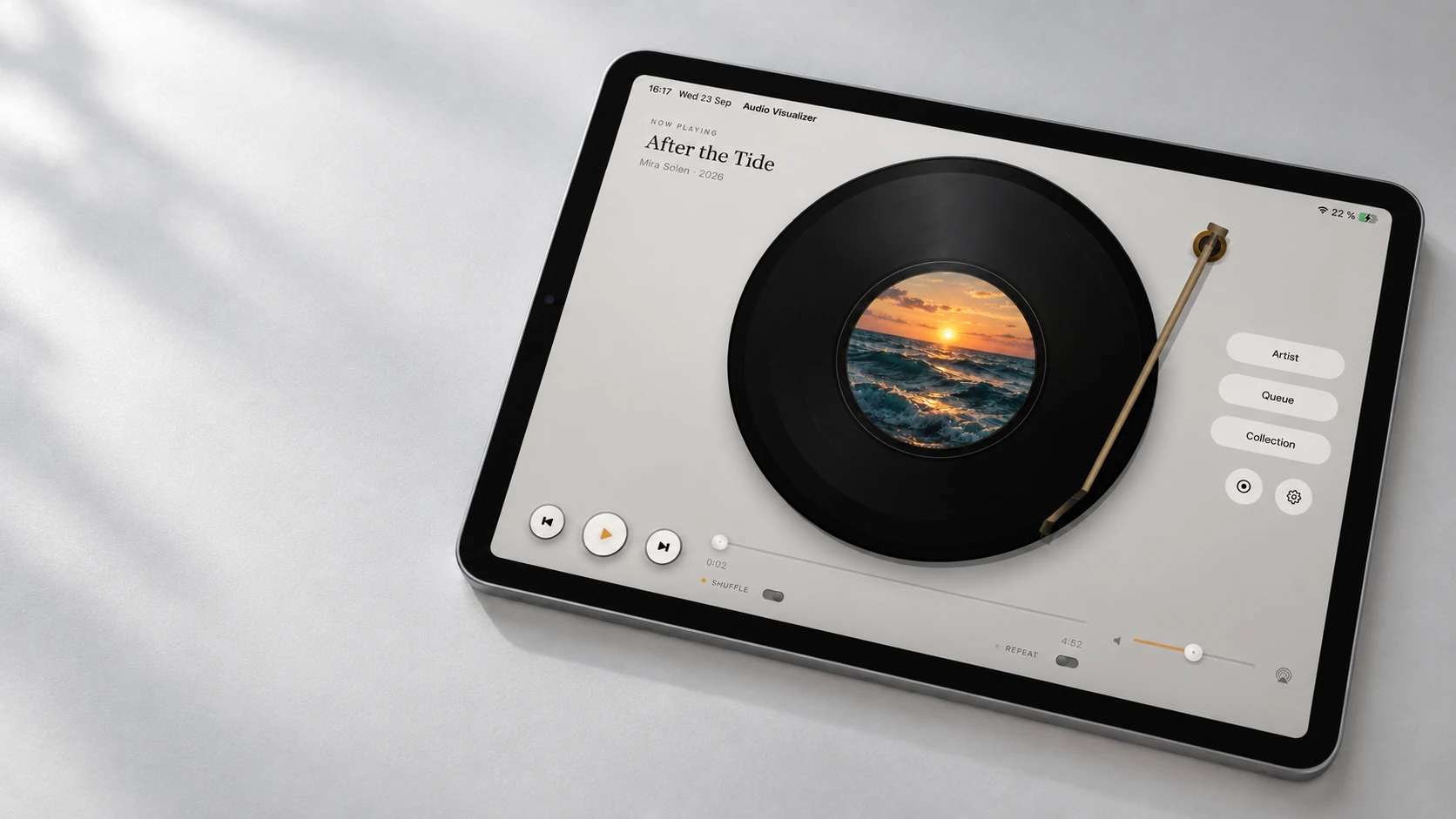
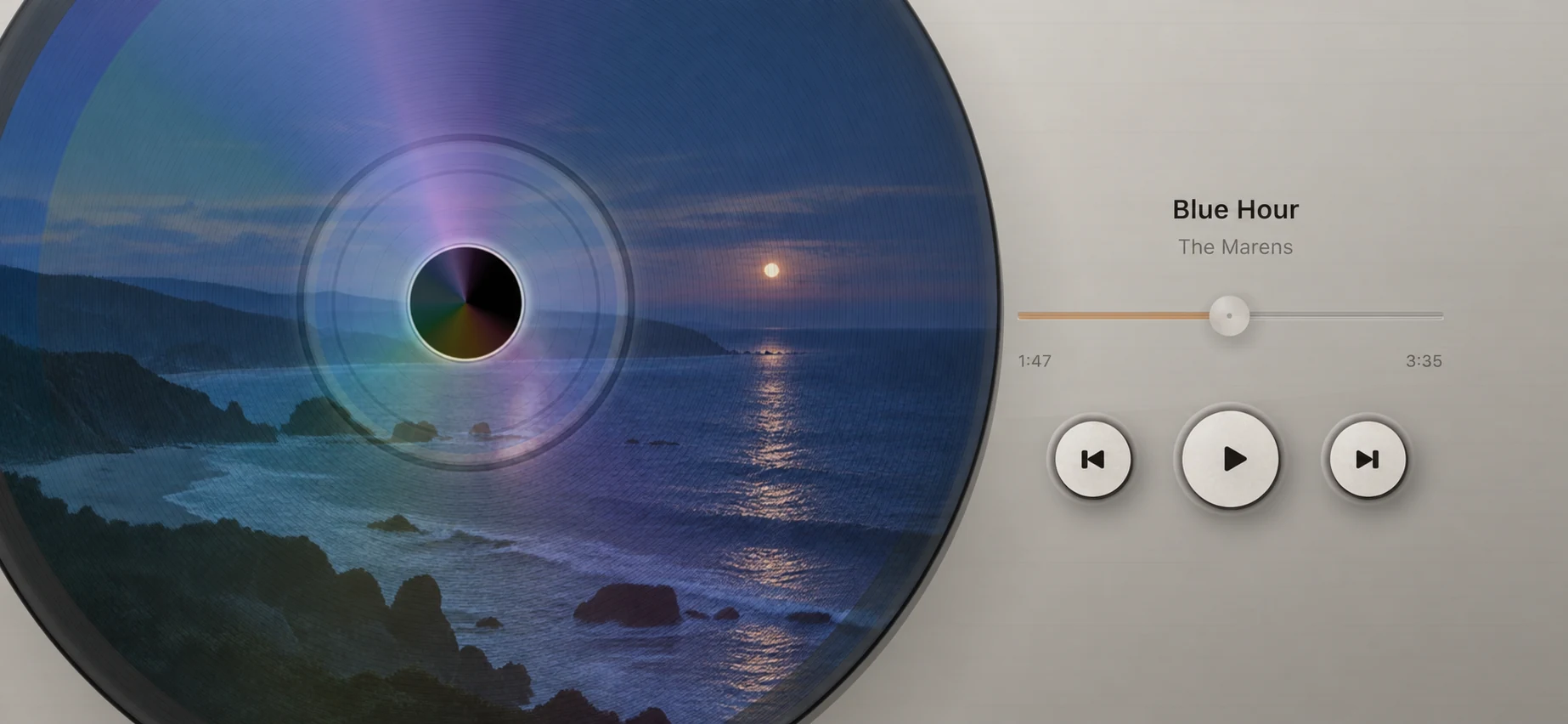
Made to work with Apple Music, Otokei turns the songs you love into spinning vinyl and CDs—while also giving your own compatible audio files a home.
Illustrative previews may show an earlier version and include paid features.
THE PLAYER
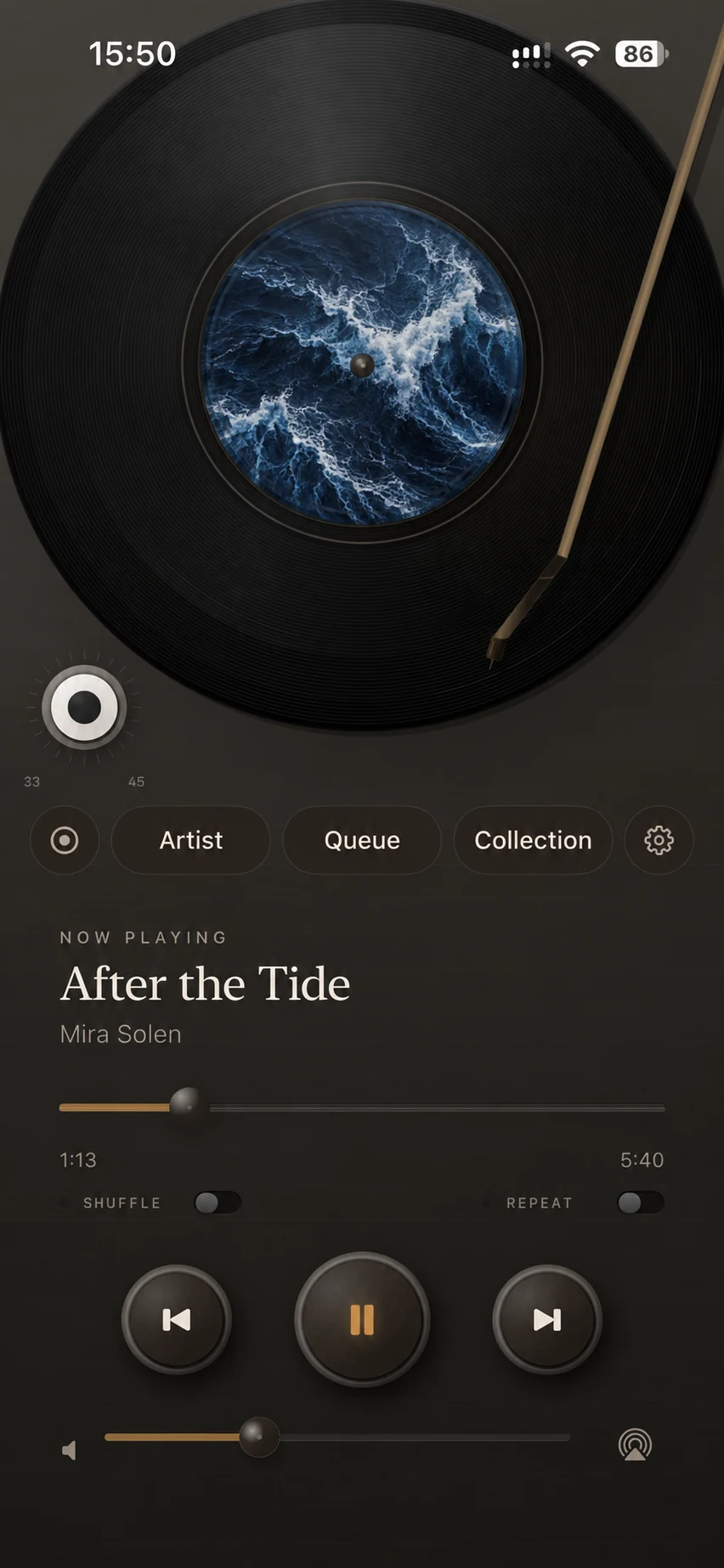
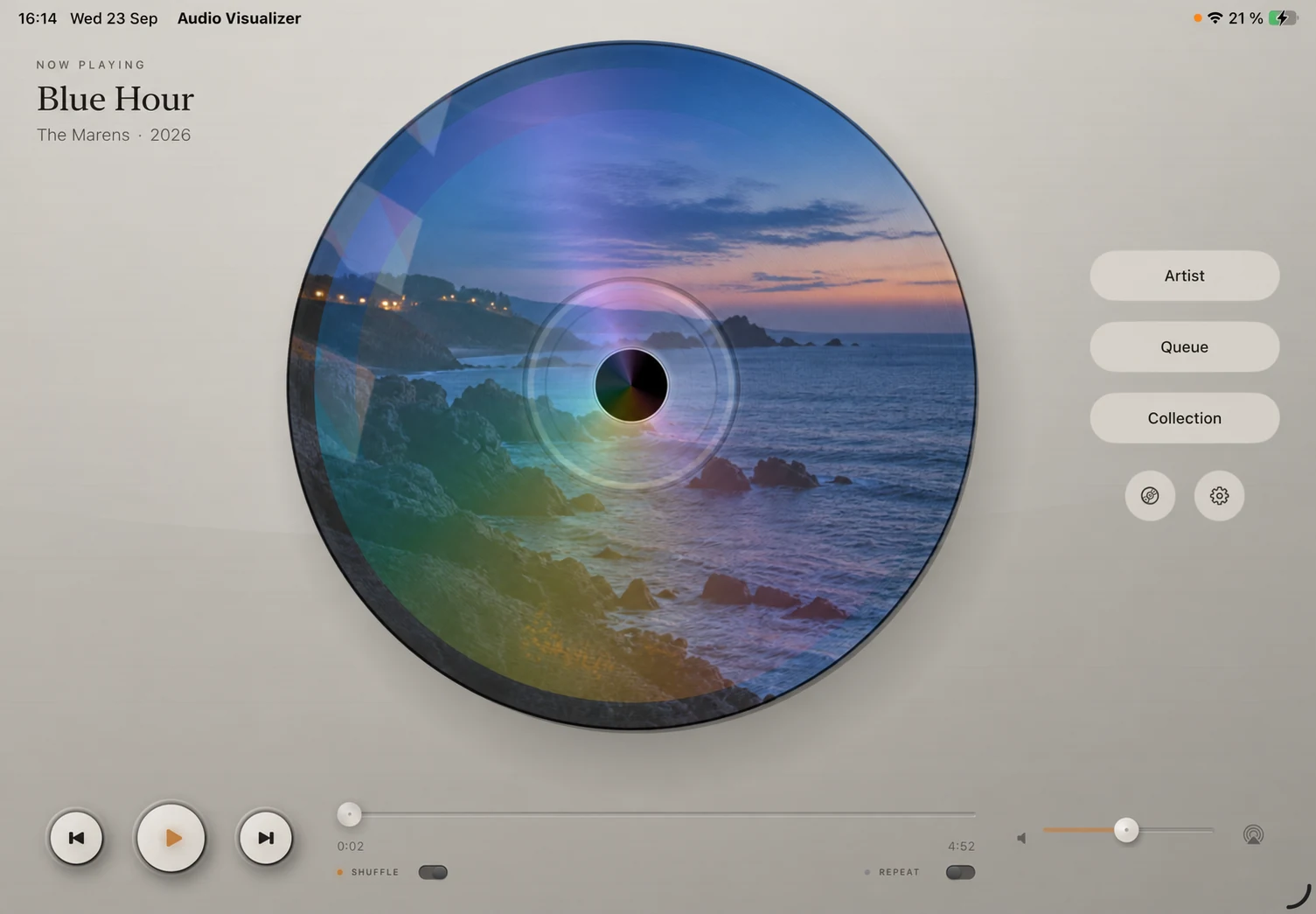
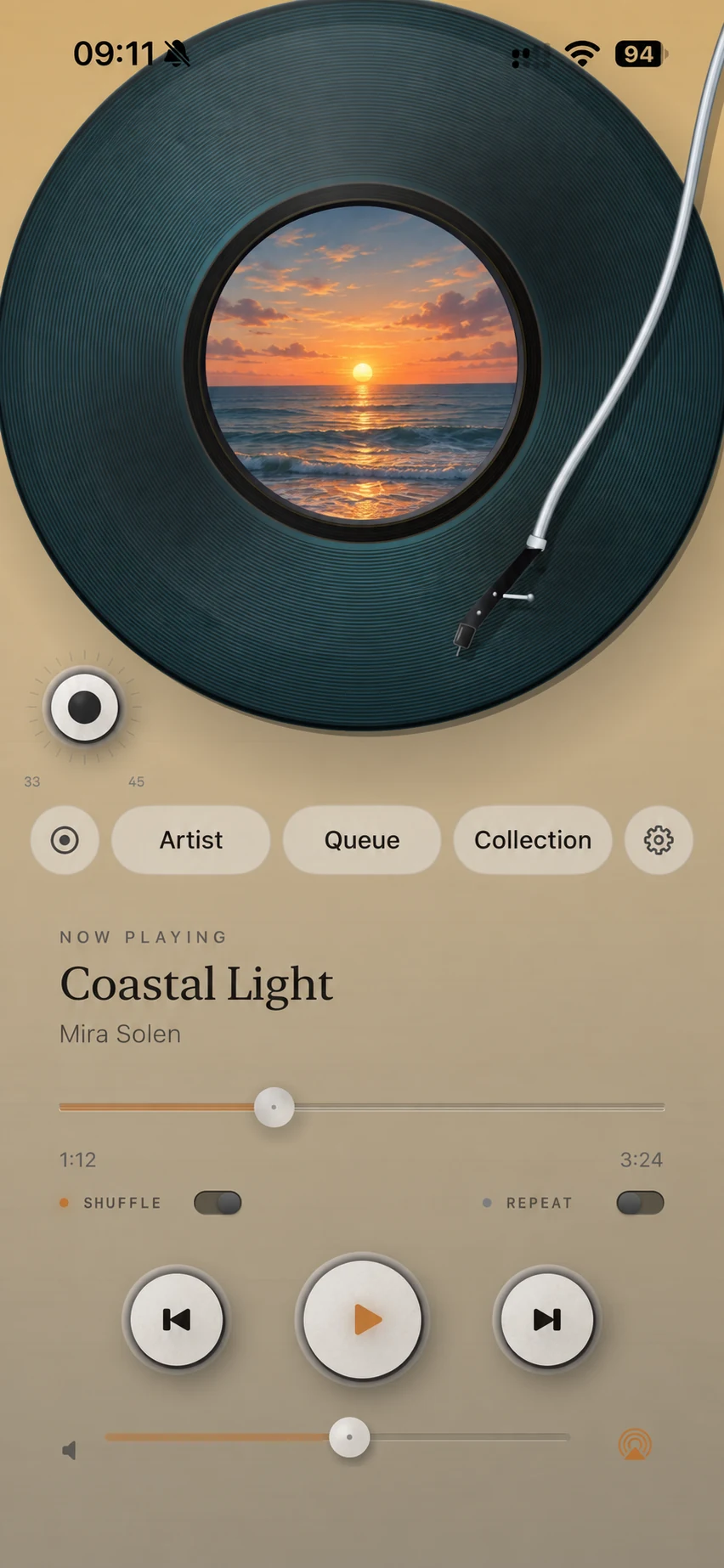
Vinyl or CD, music from Apple Music—or from your own compatible files—gets a life of its own. Album art turns with the track while familiar controls stay right where you need them.
Classic vinyl is free. CD and the additional player designs require Full App Unlock.
YOUR COLLECTION
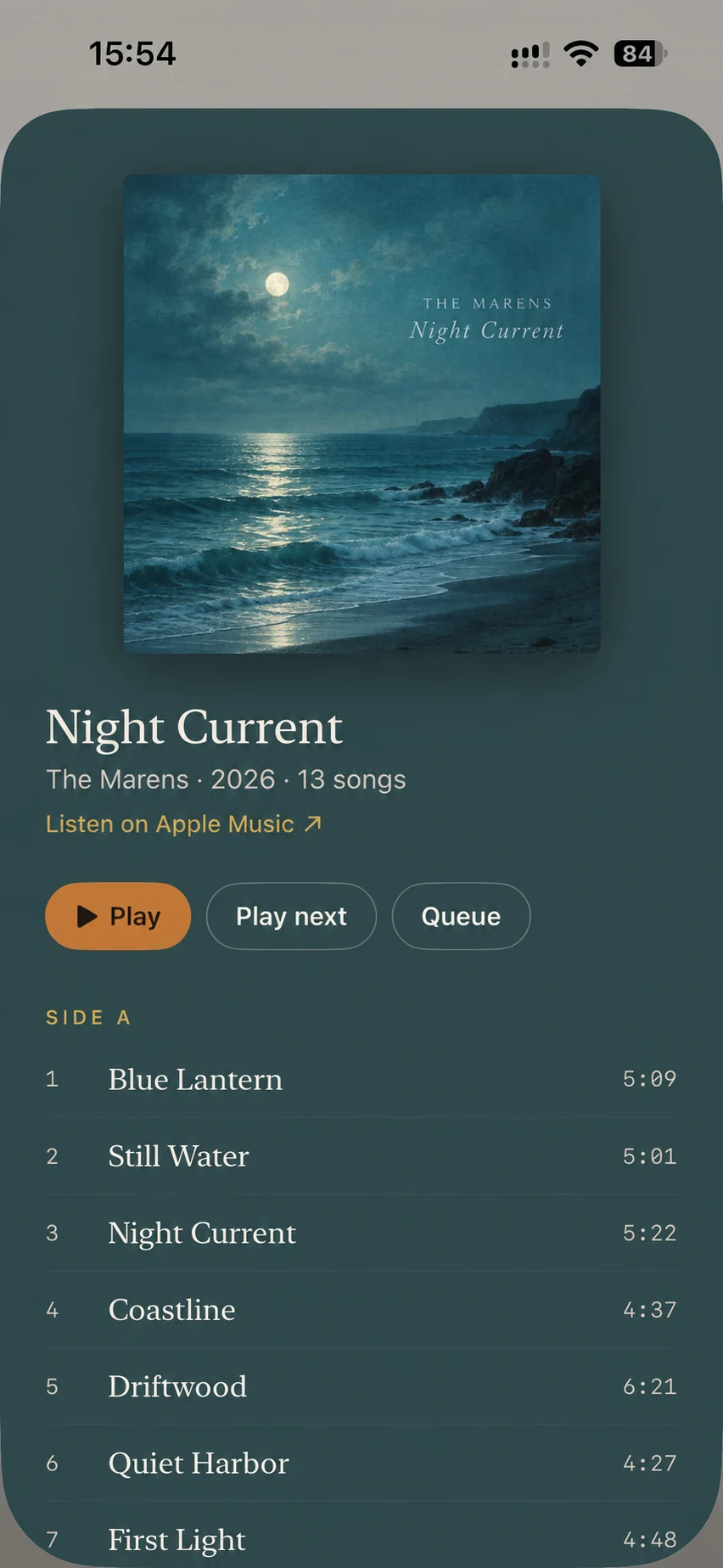
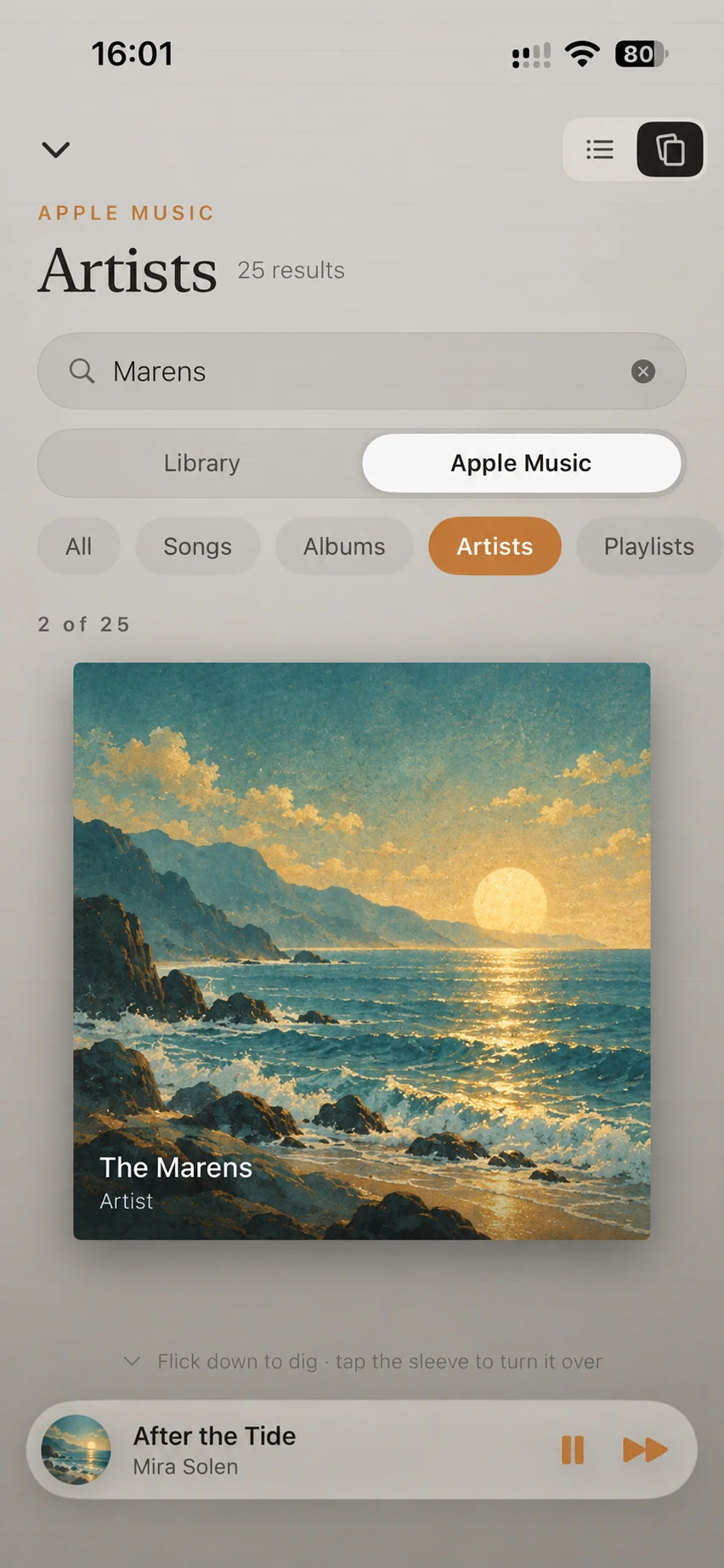
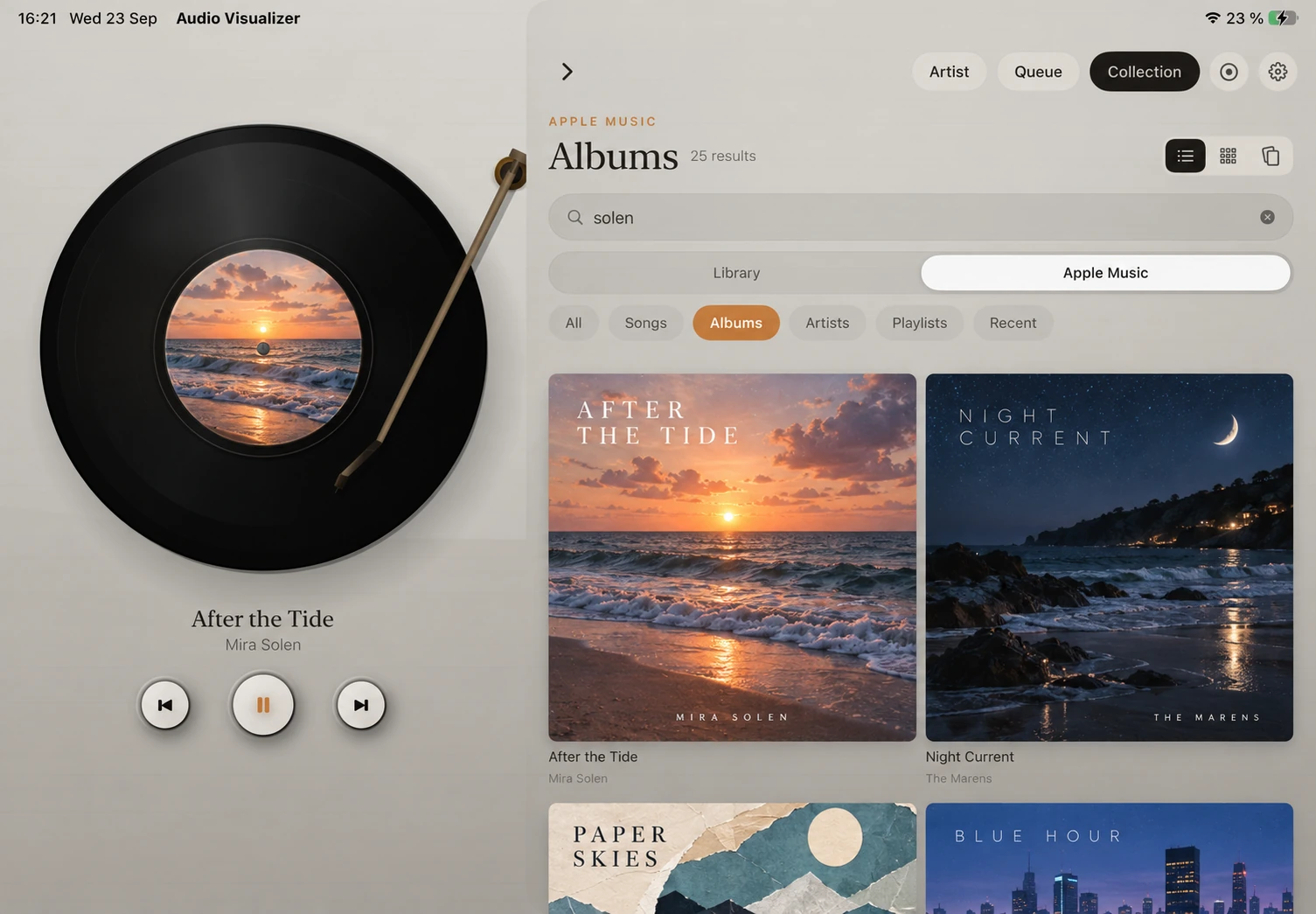
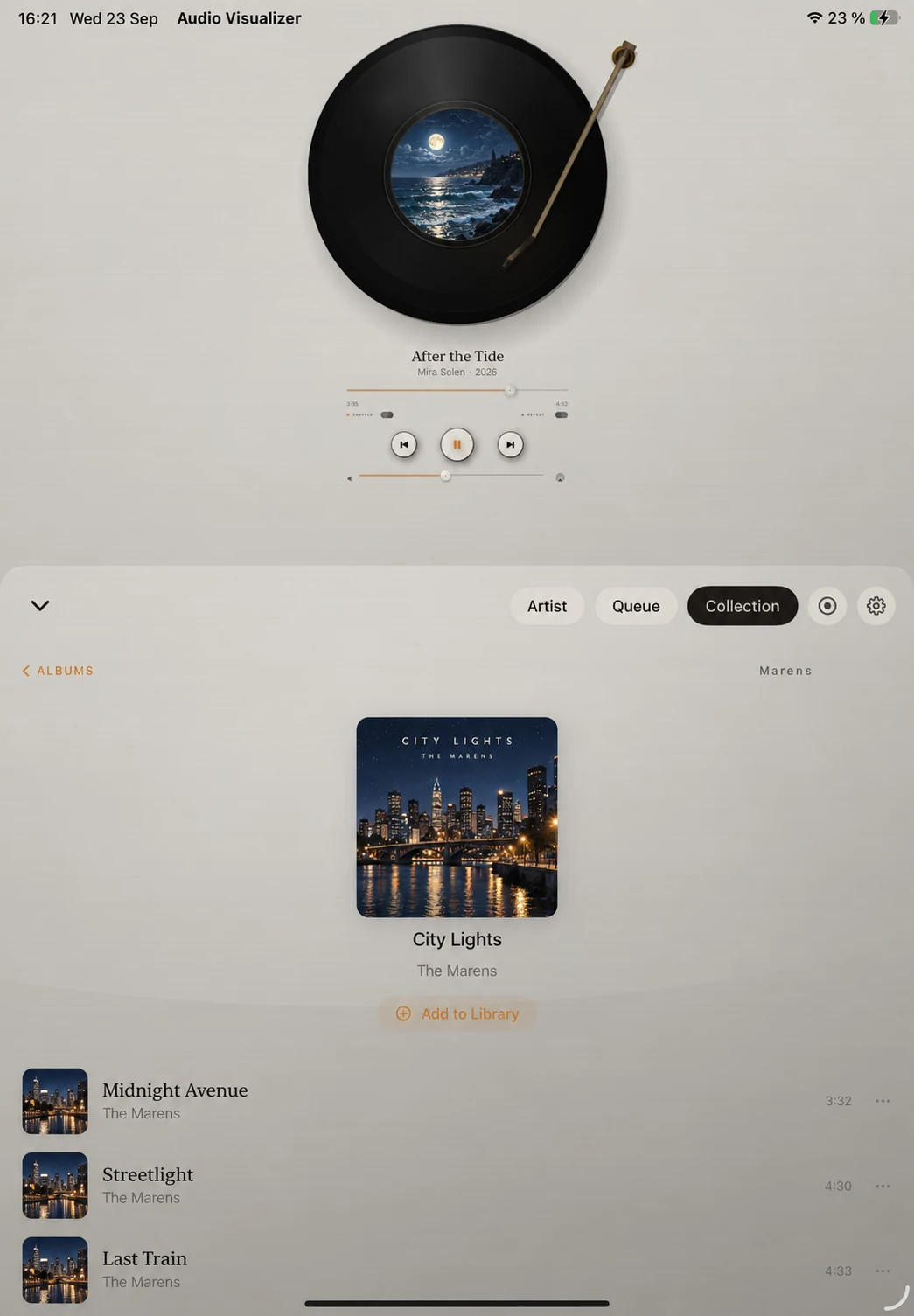
Browse your library and the Apple Music catalog, then move to My Files for your imported audio. Apple Music playback requires an eligible Apple Music subscription and Music access permission; neither is included in Full App Unlock.
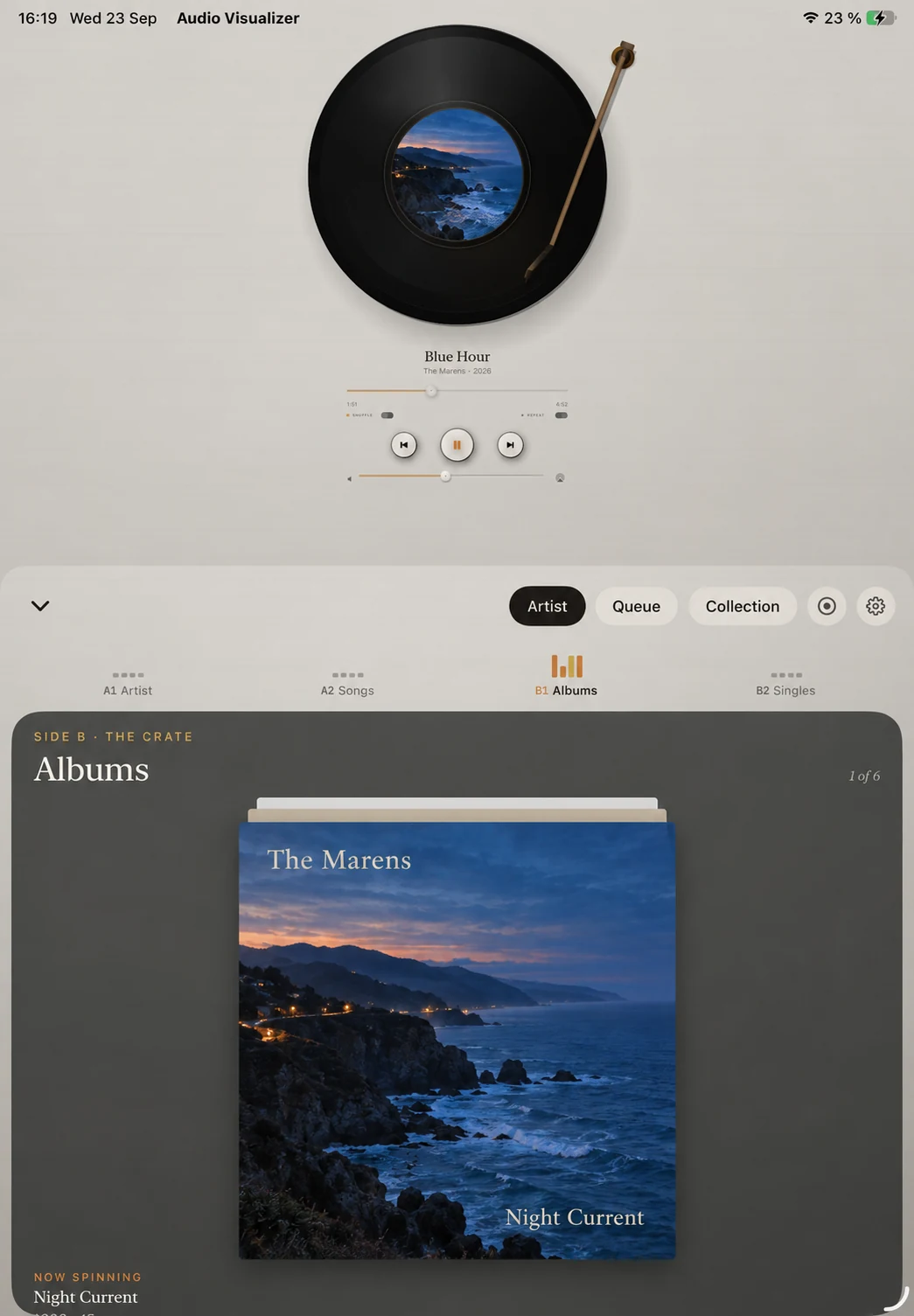
List browsing is free. Full App Unlock adds Crate, Wall on iPad, and the four-chapter Artist experience for Apple Music catalog artists.
YOUR MUSIC · YOUR FILES
My Files is the personal library inside Otokei for audio files you import from Files, iCloud Drive, or Finder. Add individual tracks or whole folders; the app copies them onto your device, reads their song information and cover art, and organizes them for playback.
Apple Music is Otokei's only supported subscription music service. My Files is an additional, separate way to listen when you have compatible audio you obtained legally and are permitted to use, including DRM-free music purchases and your own recordings. Otokei does not provide the music.
Imported-file playback needs neither an Apple Music subscription nor Full App Unlock. The four-chapter Artist experience uses the Apple Music catalog and is not available for imported files, even with Full App Unlock.
Browse songs, albums, and artists using the information in your files. List browsing is free; Crate and the iPad Wall are part of Full App Unlock.
Use Up Next, Play Next, Play Later, shuffle, repeat, seeking, and saved sessions.
Control your files from the Lock Screen, Control Center, headphones, and the widget.
My Files and Apple Music keep separate queues, so switching sources is deliberate and predictable.
MAKE IT YOURS · FULL APP UNLOCK
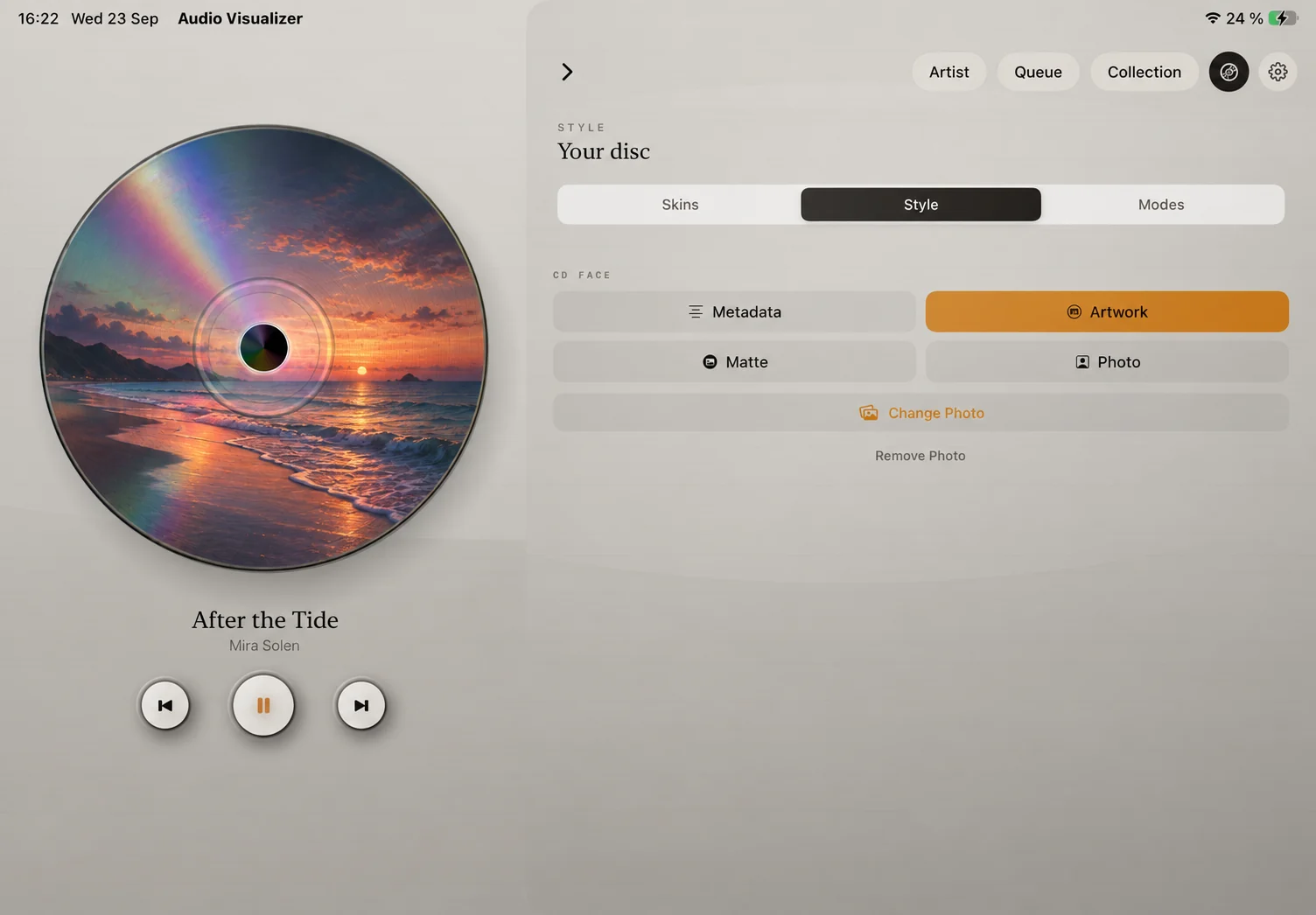
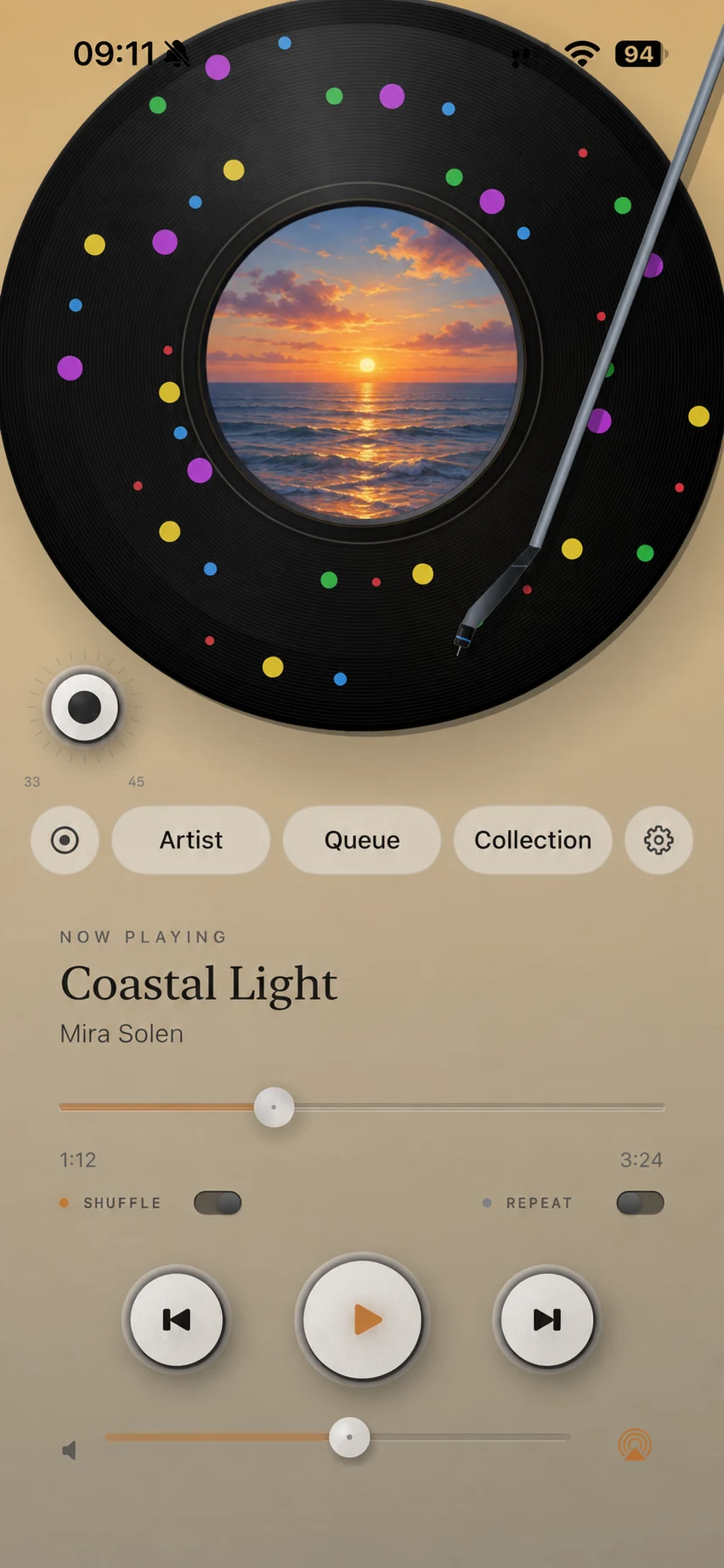
With Full App Unlock, choose a vinyl pressing or a polished CD, then tune the label, color, and effects. Save your favorite appearances or let Auto-Switch change the look with each new song.
THE FINISHING TOUCH
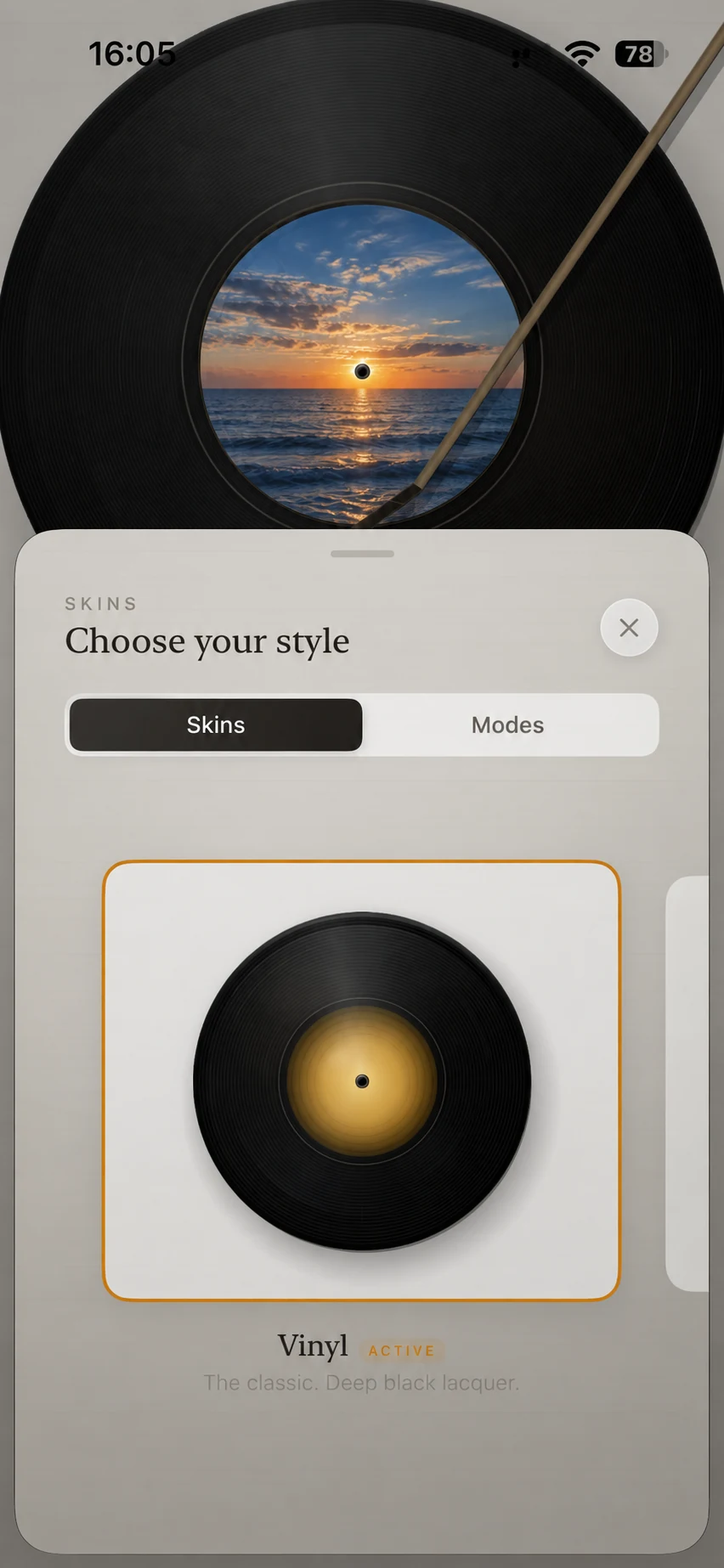
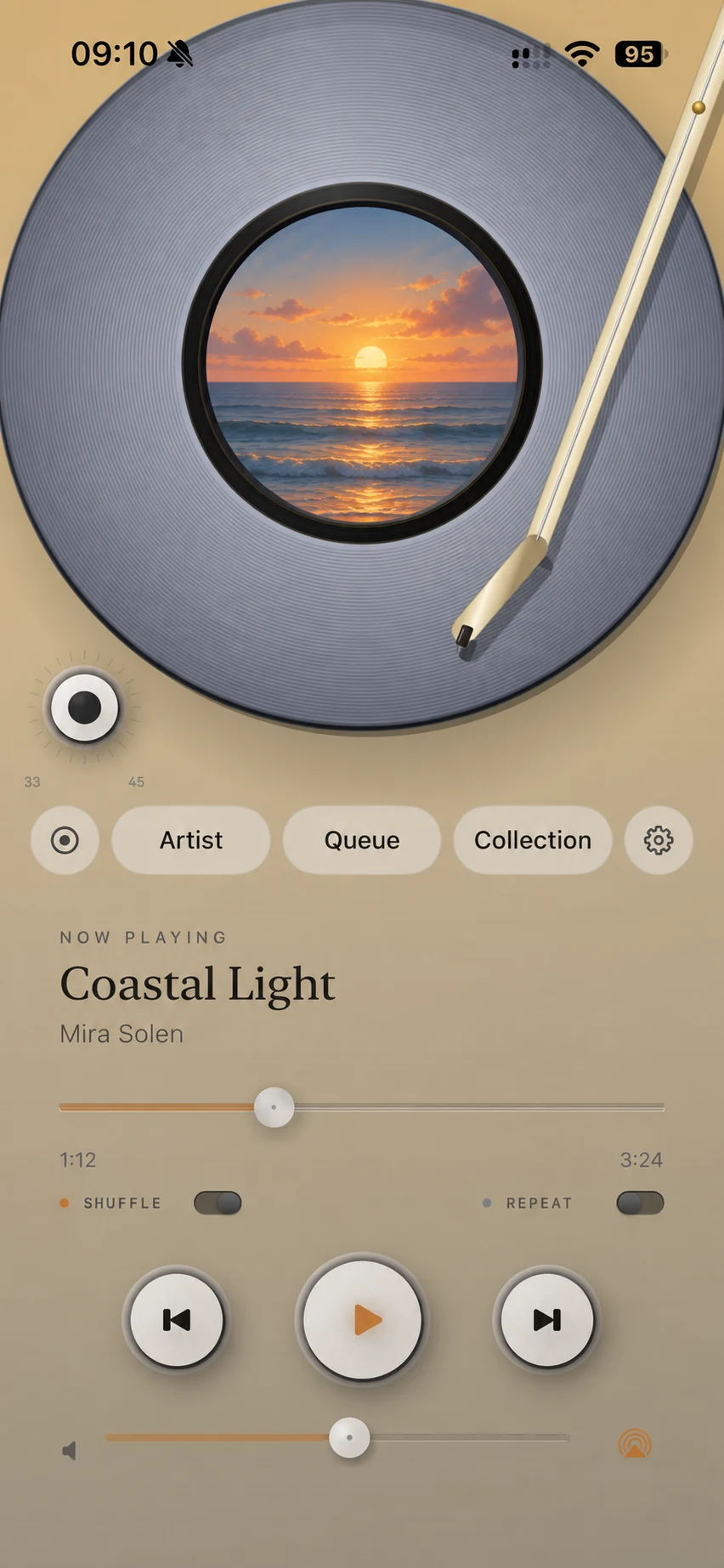
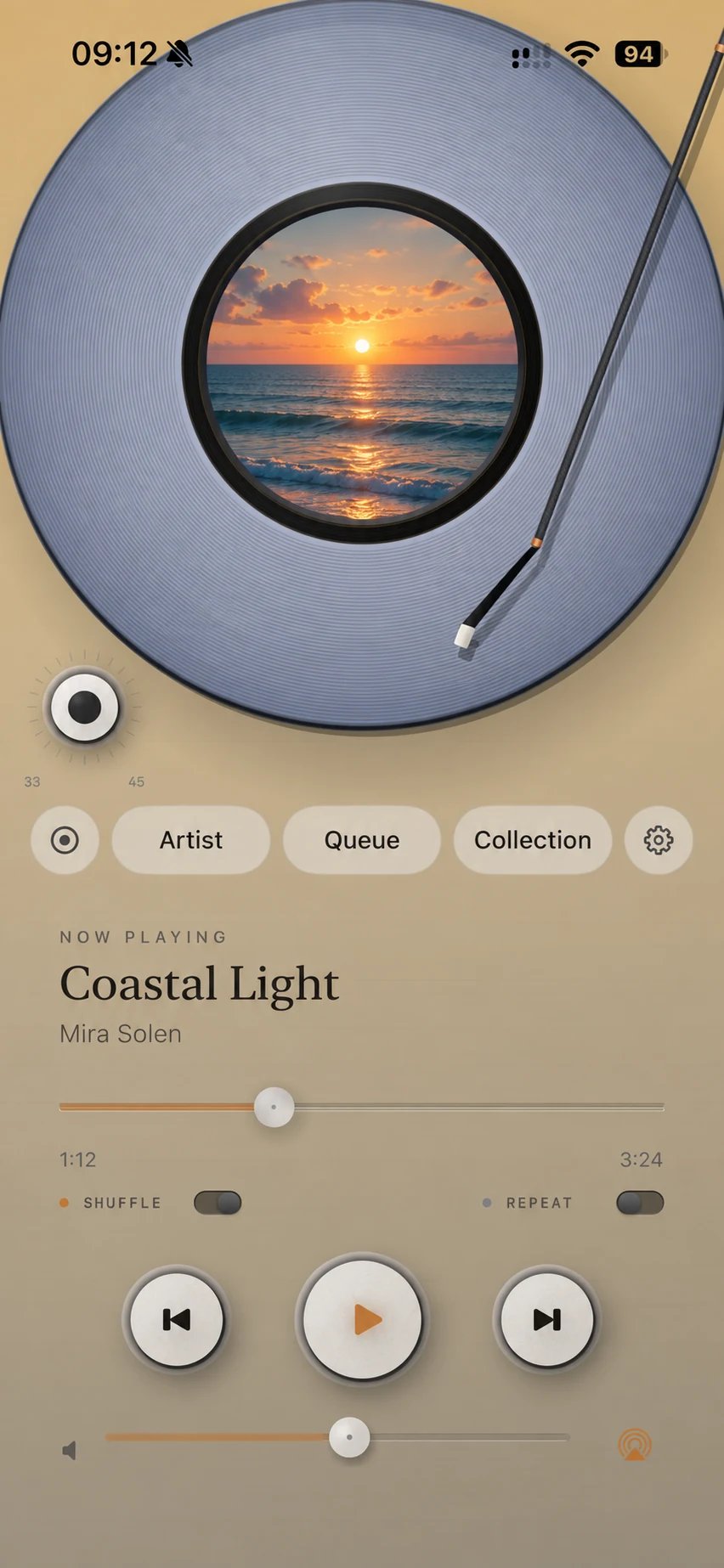
Give your vinyl player a different look with a choice of tonearm designs. Pair your favorite with a record color or pattern to make the player feel like yours.
PARTY MODE · FULL APP UNLOCK
With Full App Unlock and a connected TV or monitor, give your music a bigger stage. Choose Player, Sleeve, or Artist. Imported audio uses Sleeve when Artist is selected; the Artist setting is kept for Apple Music catalog tracks.
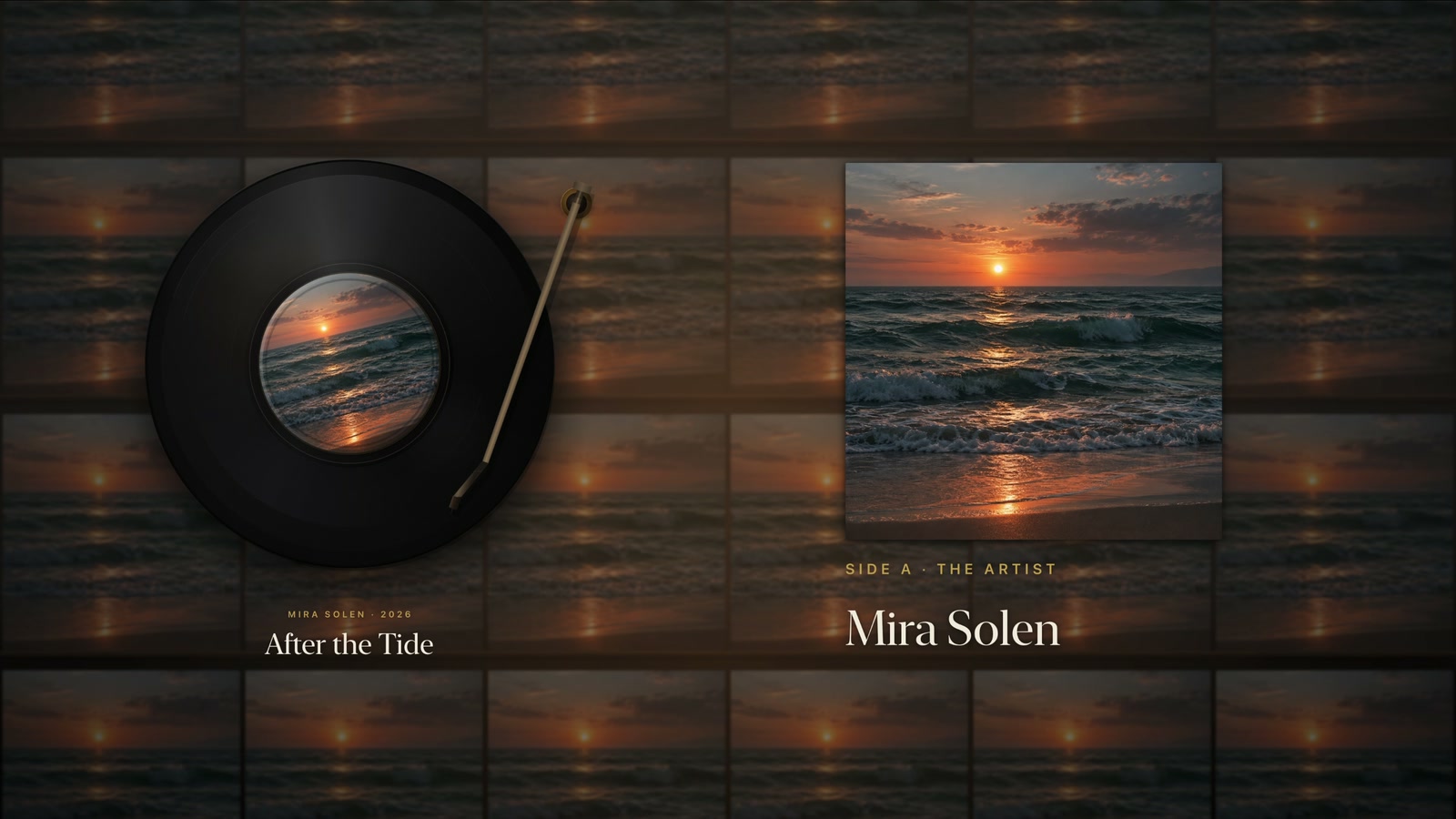
Keep the app open for live visuals. Wireless AirPlay screen mirroring can be less smooth; a wired HDMI connection is the better choice for steady motion. Your music can continue when the screen locks, but the visuals need the app on screen.
START LISTENING FOR FREE
Start with classic vinyl. Make it your own with one permanent Full App Unlock. No recurring app subscription.
FREE
ONE PERMANENT PURCHASE
Apple Music is a separate subscription service. Otokei does not provide music. Imported files must be compatible audio you are permitted to use. The four-chapter Artist experience is for Apple Music catalog artists; purchasing Full App Unlock does not add it to imported music.
The purchase screen shows Apple’s current price for your storefront. Restore an existing purchase with the same Apple Account. Read the support guide.
A NEW WAY TO LISTEN
Coming soon for iPhone and iPad. Requires iOS 18 or iPadOS 18 or later.